Tanqory Academy
Learning paths
Short, free video lessons on running a store with Tanqory, in paths you can follow in order: from setup and launch to products, payments, orders, settings and marketing. Or search the lessons for the one task in front of you.
- 22 video lessonsWatch them here or on YouTube
- 6 learning pathsFrom setup to marketing
- FreeEvery Tanqory Academy lesson
- No sign-inNothing to register
Follow a path from start to finish
Each path takes one part of running your store, lesson by lesson. Start at lesson 1, or open the path to see every lesson first.
- Path 1 of 6
Getting Started
Six video lessons from an empty account to launch day: your website, the setup guide, store basics, your plan, billing and launch settings.
- How to Create a Website
- Setup Guide
- Set Up Your Store Basics
- Path 2 of 6
Products and Inventory
Three video lessons on your catalog: create a product with variants and prices, group products into collections, and keep your stock counts right.
- Product Creation
- Product Collections
- Inventory Management
- Path 3 of 6
Payments, Shipping and Taxes
Four video lessons on getting paid and delivering worldwide: payment gateways, shipping and delivery, taxes and duties, and Markets for each region.
- Connect Payment Gateways & Start Getting Paid Worldwide
- Set Up Shipping and Delivery Options
- Configure Taxes and Duties
- Path 4 of 6
Orders and Fulfillment
Three video lessons on running orders: take an order from start to finish, create draft orders for customers, and set the locations that fulfill them.
- Managing Orders Professionally
- Draft Orders
- Manage Store Locations and Fulfillment Points
- Path 5 of 6
Store Settings
Three video lessons on what customers and teammates notice, including how to publish clear store policies and give each teammate the right access.
- Connect or Buy a Domain Easily
- Set Clear and Professional Store Policies
- Manage Users and Permissions
- Path 6 of 6
Marketing and Content
Three video lessons on promoting and publishing: launch a discount, keep your images and brand files in one place, and write a blog post.
- Create Discounts
- Upload and Manage Your Media Files
- Write a Professional Blog Post
Find a lesson
Search by task, or pick a path. Each lesson page has the video with its steps written out beside it.
Learning paths
 Getting Started · Lesson 1 of 6How to Create a Website in Tanqory
Go from no store at all to your own ecommerce website, ready for your first products. A few short questions about your business shape the site Tanqory sets up for you.
Free · 7 steps Getting Started · Lesson 2 of 6Setup Guide in Tanqory
Every task a new store needs before its first sale, gathered into one checklist on your Dashboard. Each button opens the exact settings page you need.
Free · 7 steps Getting Started · Lesson 3 of 6Set Up Your Store Basics with Tanqory
The details every order, invoice and report in your store is built on, set once on one page. Get them right on day one and every record stays consistent.
Free · 4 steps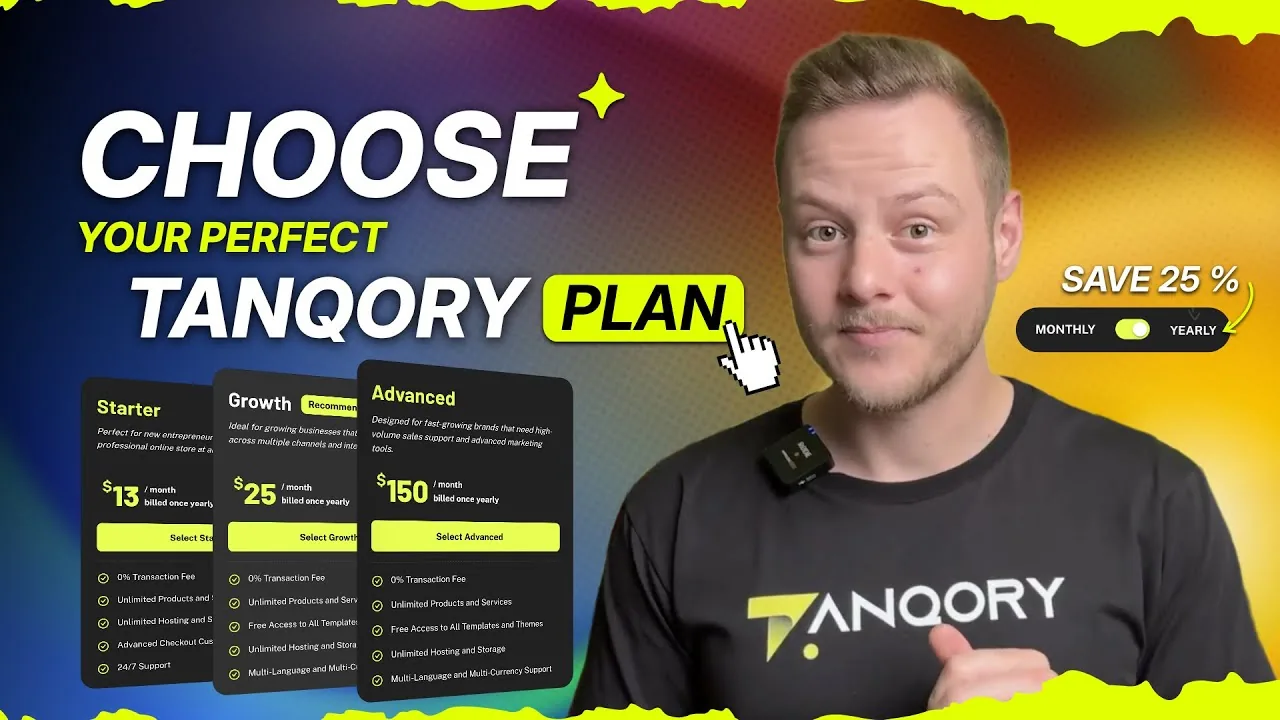 Getting Started · Lesson 4 of 6Choose Your Perfect Tanqory Plan
Starter, Growth or Advanced: see which plan fits a new store, a growing brand or a high volume team.
Free · 4 steps Getting Started · Lesson 5 of 6Set Up Billing with Tanqory
Add the payment method that keeps your subscription running, with billing details that match your business.
Free · 6 steps Getting Started · Lesson 6 of 6Launch Like a Pro
Four settings to finish before launch: the image people see when your link is shared, your search listing, a password page and spam defense.
Free · 6 steps Products and Inventory · Lesson 1 of 3Product Creation in Tanqory
Take a product from an empty form to a live listing, with variants, pricing, stock and shipping all set on one page.
Free · 9 steps Products and Inventory · Lesson 2 of 3Product Collections in Tanqory
Group related products so shoppers find what they came for, and keep your storefront tidy as your catalog grows.
Free · 7 steps Products and Inventory · Lesson 3 of 3Inventory Management in Tanqory
See what you have in stock at each location at a glance, and change a count with a recorded reason whenever it moves.
Free · 6 steps Payments, Shipping and Taxes · Lesson 1 of 4Connect Payment Gateways & Start Getting Paid Worldwide with Tanqory
Link a payment gateway and start accepting cards, e-wallets and bank transfers from customers around the world.
Free · 6 steps Payments, Shipping and Taxes · Lesson 2 of 4Set Up Shipping and Delivery Options with Tanqory
Decide what customers pay for delivery and where each order ships from. Start simple, then add exceptions as your catalog grows.
Free · 6 steps Payments, Shipping and Taxes · Lesson 3 of 4Configure Taxes and Duties in Tanqory
Collect the right tax in every country you sell to, shown clearly to shoppers before they pay.
Free · 5 steps Payments, Shipping and Taxes · Lesson 4 of 4Expand Your Sales Globally with Markets
Give shoppers in each country a store that feels local, with prices they understand. Grow region by region and keep control of each one.
Free · 4 steps Orders and Fulfillment · Lesson 1 of 3Managing Orders Professionally in Tanqory
Run every order from the moment it is paid to the day it ships, and handle the ones that come back.
Free · 8 steps Orders and Fulfillment · Lesson 2 of 3Draft Orders in Tanqory
Take an order by phone or chat and check every detail before it becomes final. Built for custom requests and sales your team closes by hand.
Free · 6 steps Orders and Fulfillment · Lesson 3 of 3Manage Store Locations and Fulfillment Points with Tanqory
Tell Tanqory where your stock sits and where orders ship from. With that set, stock is allocated and orders are routed for faster delivery.
Free · 5 steps Store Settings · Lesson 1 of 3Connect or Buy a Domain Easily with Tanqory
A domain of your own makes your store easier to remember and easier to trust. Buy one in Tanqory or bring the one you already have.
Free · 4 steps Store Settings · Lesson 2 of 3Set Clear and Professional Store Policies in Tanqory
Set up the return rules, fees and key policy pages customers read before they buy, including the ones in your footer and at checkout.
Free · 4 steps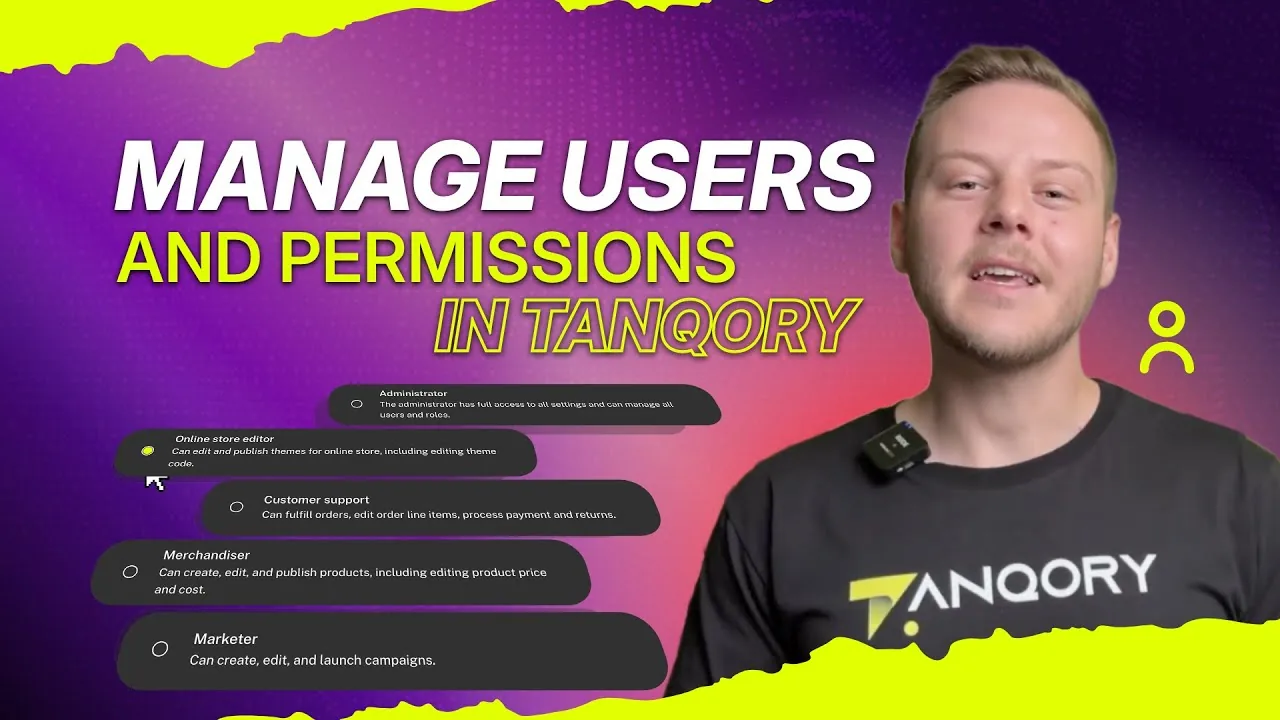 Store Settings · Lesson 3 of 3Manage Users and Permissions in Tanqory
Give every teammate the access their job needs and nothing more, so sensitive settings stay safe from accidental changes.
Free · 5 steps Marketing and Content · Lesson 1 of 3Create Discounts with Tanqory
Launch a percentage or fixed amount discount on your own schedule, and switch it on only when you are ready.
Free · 6 steps Marketing and Content · Lesson 2 of 3Upload and Manage Your Media Files in Tanqory
Keep your images, logos and brand assets in one library, ready to reuse anywhere in your store.
Free · 4 steps Marketing and Content · Lesson 3 of 3Write a Professional Blog Post with Tanqory
Publish articles that bring in search traffic and give shoppers a reason to come back, written and managed from your admin.
Free · 9 steps
Or hand the job to Tanqory AI
Every task in these lessons, you can also ask for in one sentence. The assistant built into your admin does the steps across products, orders, discounts, markets, settings and more, and waits for your confirmation before it changes anything. Ask it how something works and it answers from the Tanqory Help Center.
- Acts in your admin only after you confirm
- Everyday AI work uses no AI credits
- Answers how-to questions from the Help Center
Create a free shipping rate for orders to Canada.
Here is what I will do in your admin:
- Open Settings, then Shipping and delivery
- Set the general shipping rate, the default profile for products without a custom one
- Manage the zones and locations each profile covers, with a rate for each
Nothing changes until you confirm.
Start here · Path 1 of 6
Getting Started
Six video lessons from an empty account to launch day: your website, the setup guide, store basics, your plan, billing and launch settings.