OrdersLesson 3 of 3
Manage Store Locations and Fulfillment Points with Tanqory
Tell Tanqory where your stock sits and where orders ship from. With that set, stock is allocated and orders are routed for faster delivery.
- Video lessonWatch it here or on YouTube
- FreeEvery Tanqory Academy lesson
- No sign-inNothing to register
- In your adminSettings › Locations
The player loads from YouTube (privacy-enhanced mode) only when you press play.
Watch on YouTube (opens YouTube in a new tab)What you will learn
About this lesson
Tell Tanqory where your stock sits and where orders ship from. With that set, stock is allocated and orders are routed for faster delivery.
Where it lives in the admin
- Settings
- Locations
In this lesson (5)
- Access and manage Locations in Tanqory
- What locations are for: inventory, storage, shipping and order fulfillment
- Review your active and inactive locations
- Add a warehouse, store or pickup point with Add location
- Change the default fulfillment location used when a product or order has none assigned
Or hand the job to Tanqory AI
Everything this lesson shows, you can also ask for in one sentence. The assistant built into your admin does the steps across products, orders, discounts, markets, settings and more, and waits for your confirmation before it changes anything. Your team spends the time on the business, not on the clicks.
- Acts in your admin only after you confirm
- Everyday AI work uses no AI credits
- Answers how-to questions from the Help Center
Make the Rotterdam warehouse the default fulfillment location.
Here is what I will do in your admin:
- Access and manage Locations in Tanqory
- What locations are for: inventory, storage, shipping and order fulfillment
- Review your active and inactive locations
Nothing changes until you confirm.
Go deeper in the Help Center
Step-by-step articles on the same task, written by the Tanqory team.
- Multi-Location Inventory
Locations are the places your stock can be, and every quantity in the store belongs to one of them. Adding one, moving the default, retiring a location you no longer use, and what each of those changes elsewhere in inventory.
- Custom Order Fulfillment
Recording an outside partner that stores and ships orders for you, so those orders are handed to it instead of leaving your own locations. What you supply to add one, how to manage it afterwards, and what it changes about fulfillment.
- Store Pickup (Click and Collect)
Letting a customer collect an order at your counter instead of posting it. What it costs them, when collection beats delivering or shipping, what they meet at checkout, and where pickup is switched on for each location.
- What You Can Change by Editing an Order
Editing an order changes what is on it after it was placed, such as adding a product or a custom item, changing an item's quantity, or adding a shipping fee. When your changes raise the total, the order shows an amount to collect, which you can invoice to the customer. This article explains what editing can and cannot do, how the difference is settled, and when to edit an order rather than refund or cancel it, and it points to the step-by-step for the Edit page.
More in Orders
Orders has 3 lessons. Take them in order or jump to the one you need.
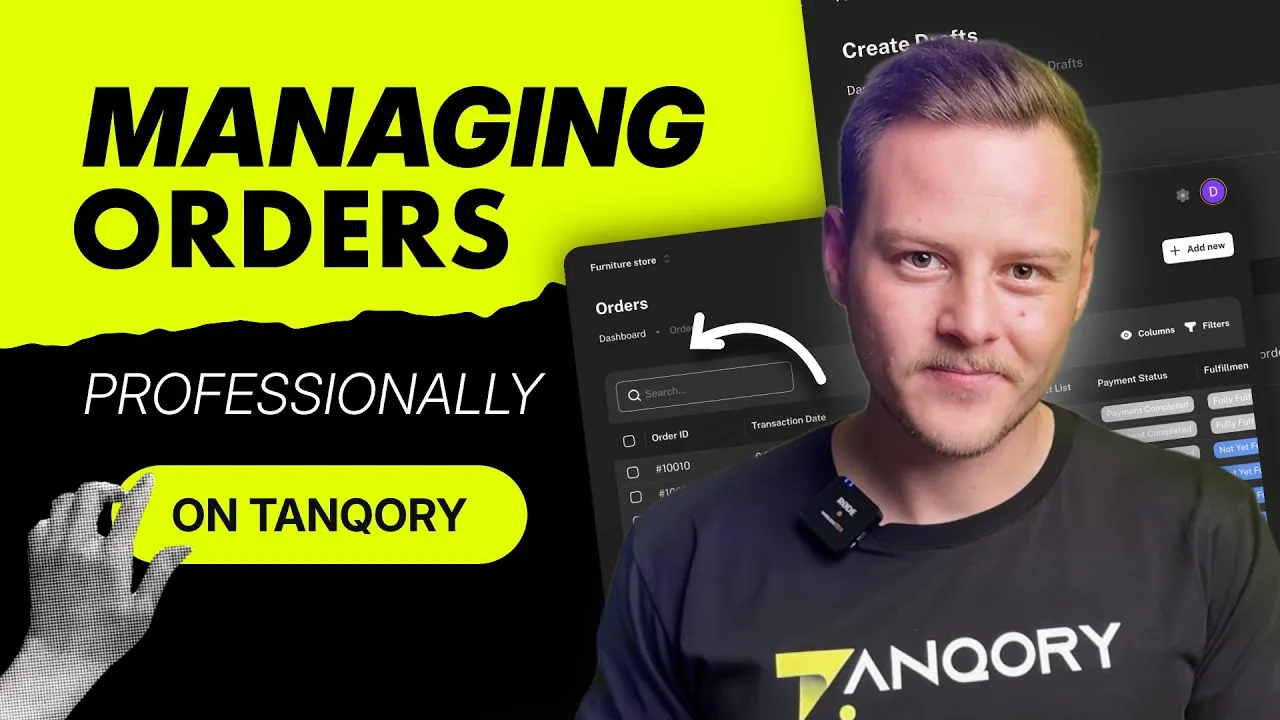 Orders · Lesson 1 of 3Managing Orders Professionally in Tanqory
Read the Orders table: order ID, transaction date, customer, items and total
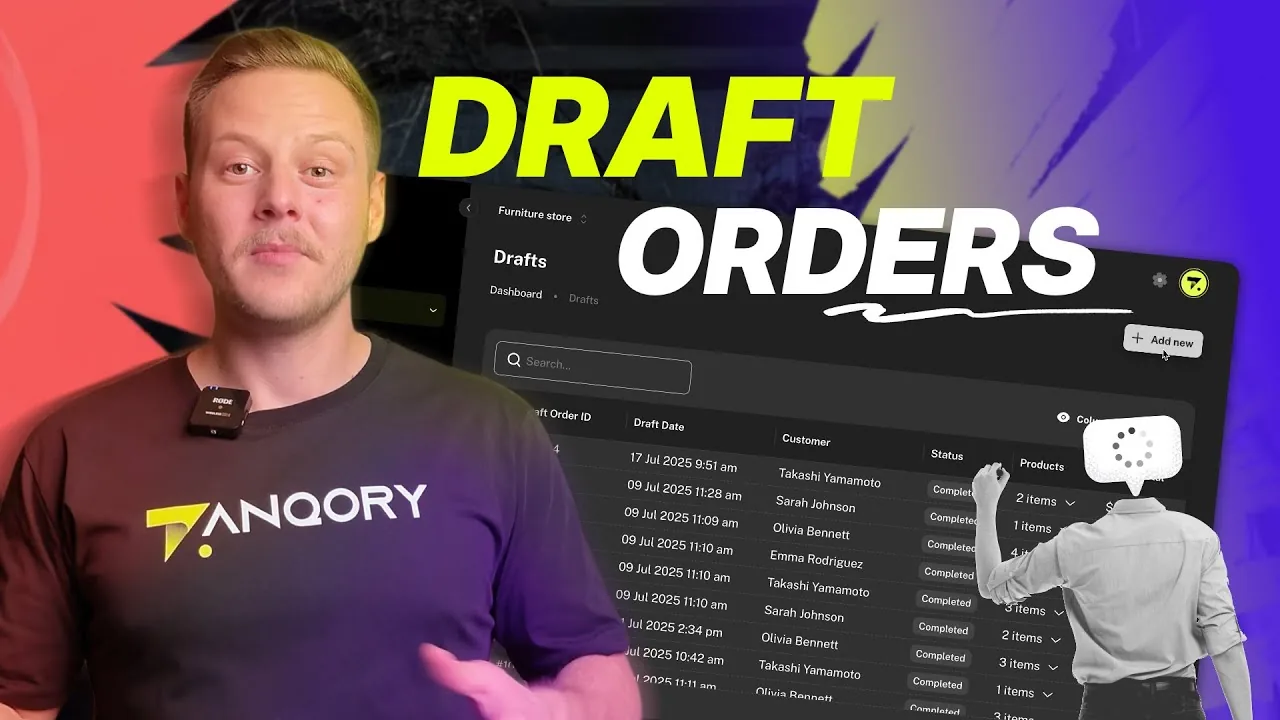 Orders · Lesson 2 of 3Draft Orders in Tanqory
Go to Orders, then Draft, to see every draft with its ID, date, customer, status, item count and total
Next lesson · Store Settings
Connect or Buy a Domain Easily with Tanqory
A domain of your own makes your store easier to remember and easier to trust. Buy one in Tanqory or bring the one you already have.