Learning pathPath 5 of 6
Store Settings
Three video lessons on what customers and teammates notice: connect or buy a domain, publish clear store policies, and give each teammate the right access.
- 3 video lessonsWatch them here or on YouTube
- FreeEvery Tanqory Academy lesson
- No sign-inNothing to register
- In your adminSettings
The lessons, in order
Take them in order or start with the one you need. Each lesson page has the video with its steps written out beside it.
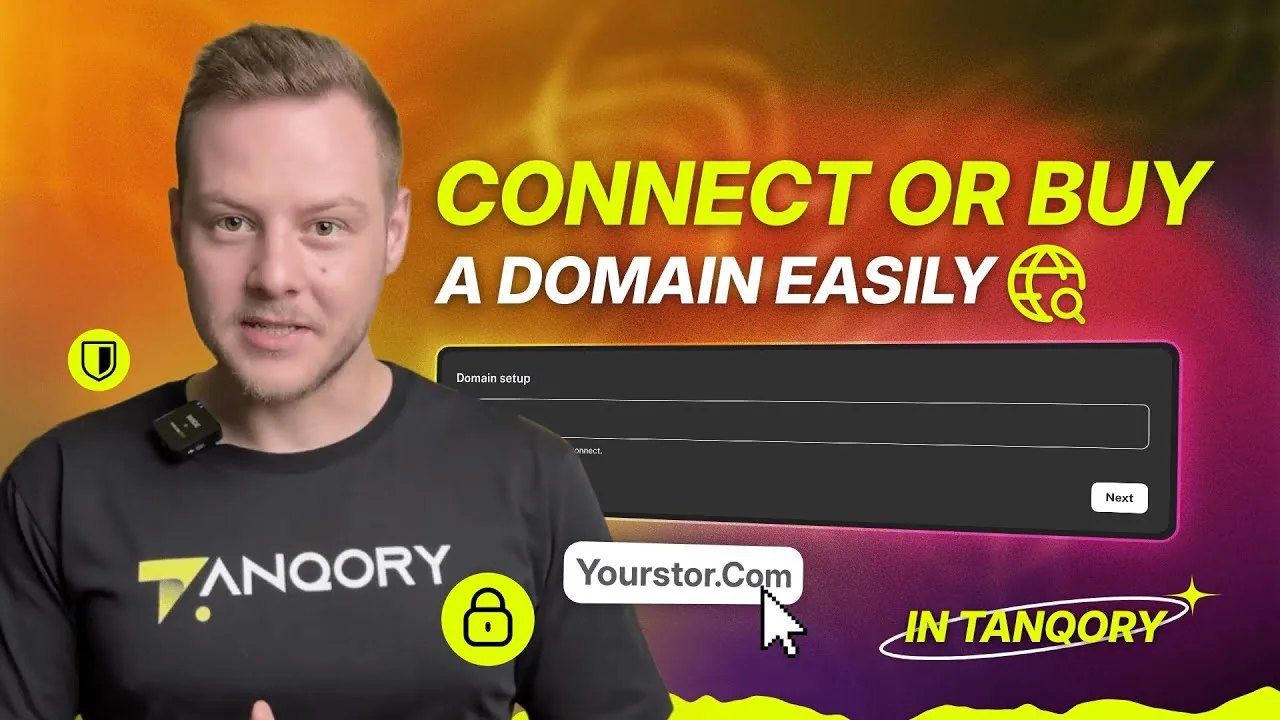 Lesson 1 of 3Connect or Buy a Domain Easily with Tanqory
Open Settings, then Domains
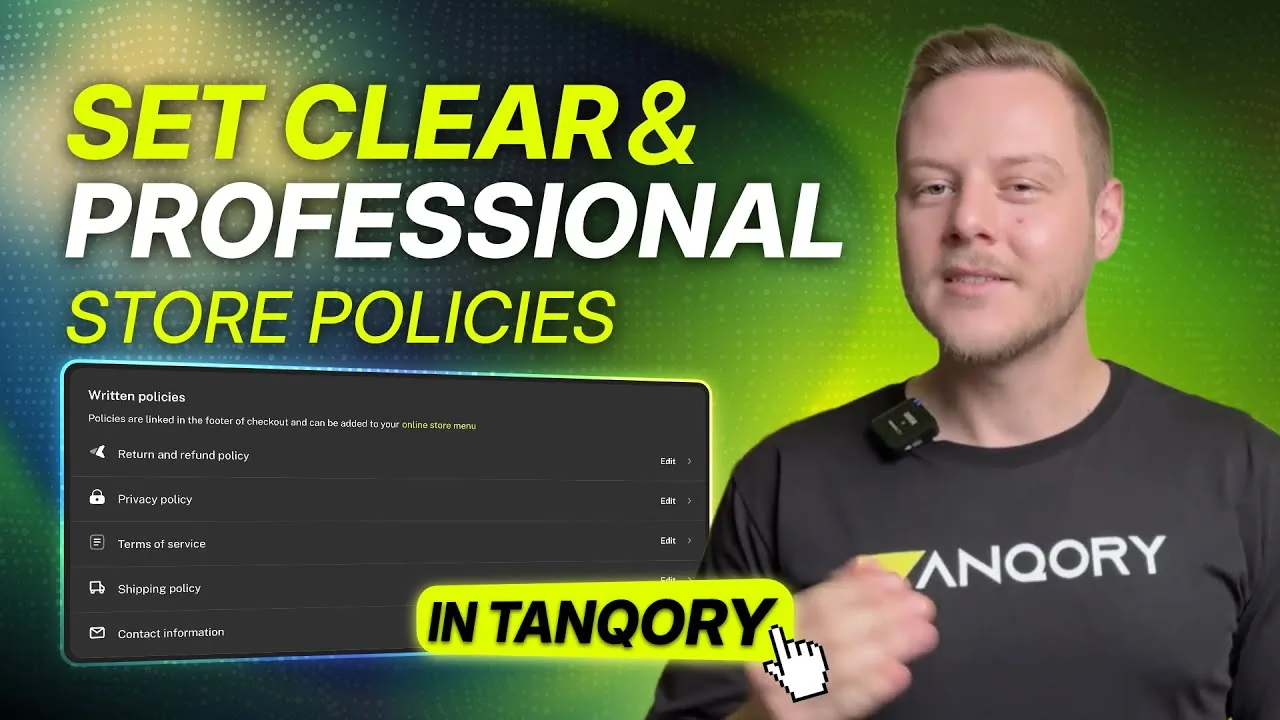 Lesson 2 of 3Set Clear and Professional Store Policies in Tanqory
Open Settings, then Policies
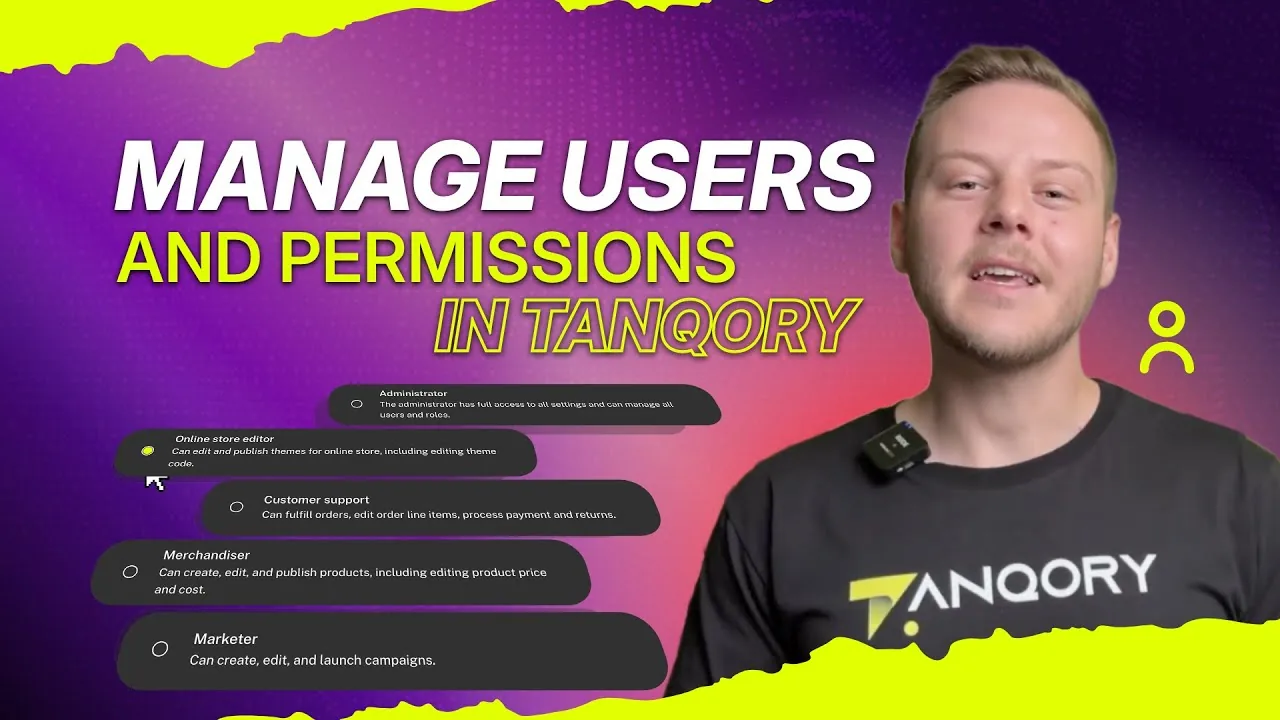 Lesson 3 of 3Manage Users and Permissions in Tanqory
Open Settings, then Users and Permissions, to see each teammate with their status and role
Or hand the job to Tanqory AI
Everything this lesson shows, you can also ask for in one sentence. The assistant built into your admin does the steps across products, orders, discounts, markets, settings and more, and waits for your confirmation before it changes anything. Your team spends the time on the business, not on the clicks.
- Acts in your admin only after you confirm
- Everyday AI work uses no AI credits
- Answers how-to questions from the Help Center
Connect my domain and set it as the primary one.
Here is what I will do in your admin:
- Open Settings, then Domains
- Buy a new domain: search a name, see its availability and price, and check out
- Connect a domain you already own by adding the DNS records Tanqory gives you at your registrar
Nothing changes until you confirm.
Go deeper in the Help Center
Step-by-step articles on the same tasks, written by the Tanqory team.
- Set Your Primary Domain
Your primary domain is the single address customers end up on, whichever of your domains they arrive through. This covers what changes when you set one, how to pick between the domains you hold, and why a new store already has a primary before it has bought anything.
- Return and Refund Policy
The Return and refund policy editor is where you write the policy that tells customers how returns and refunds work. You can start from a template, generate it, or write your own, from Settings, Policies.
- Users
The Users page is where you manage the people who can access your store admin. You see each team member's status and role, add new users, filter by All, Active, Pending, or Requests, and export the list.
- Buy or Connect a Domain
There are two ways to put your store on a custom domain: buy a new one through Tanqory, or connect a domain you already own from another provider.
Next path · 3 lessons
Marketing and Content
Three video lessons on promoting and publishing: launch a discount, keep your images and brand files in one place, and write a blog post.