Getting StartedLesson 3 of 6
Set Up Your Store Basics with Tanqory
General Settings Tutorial
The details every order, invoice and report in your store is built on, set once on one page. Get them right on day one and every record stays consistent.
- Video lessonWatch it here or on YouTube
- FreeEvery Tanqory Academy lesson
- No sign-inNothing to register
- In your adminSettings › General
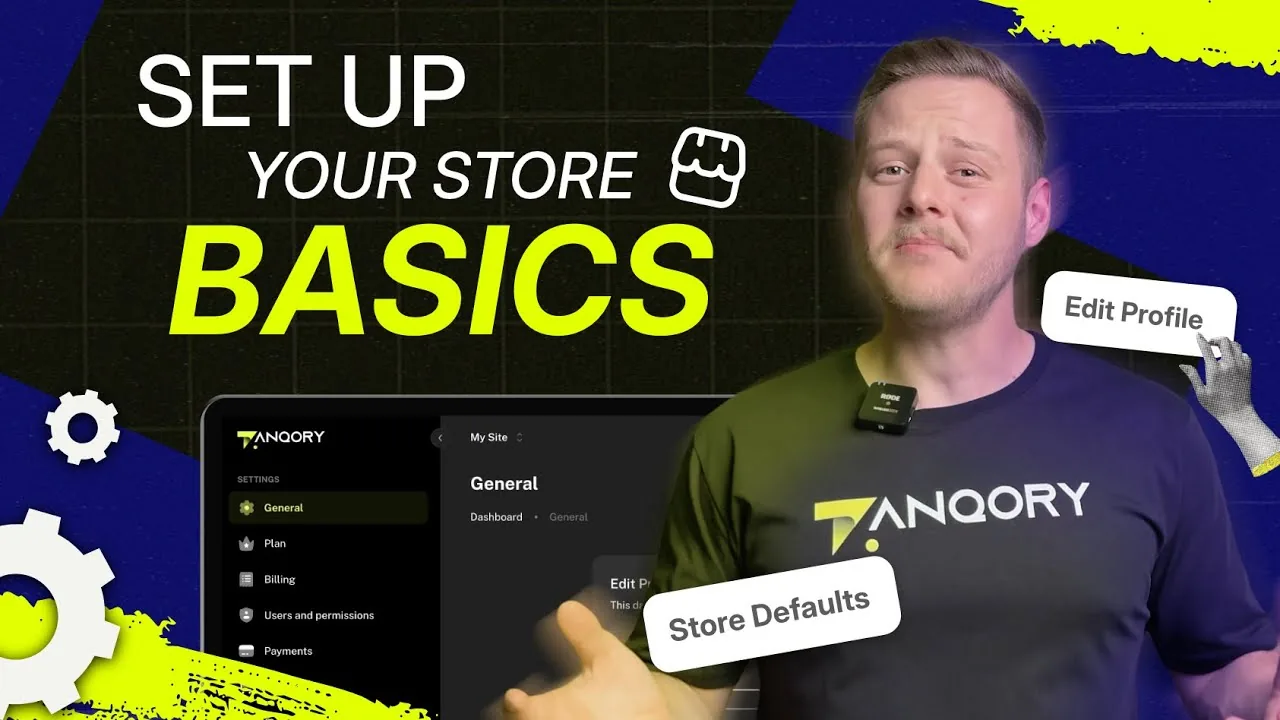
The player loads from YouTube (privacy-enhanced mode) only when you press play.
Watch on YouTube (opens YouTube in a new tab)What you will learn
About this lesson
The details every order, invoice and report in your store is built on, set once on one page. Get them right on day one and every record stays consistent.
Where it lives in the admin
- Settings
- General
In this lesson (4)
- Edit your profile: store name, store image and an optional phone number
- Store defaults: currency, weight unit and time zone
- Billing information: the address, phone number and country or region of your business
- Order number format: a prefix and suffix, with a live preview
Or hand the job to Tanqory AI
Everything this lesson shows, you can also ask for in one sentence. The assistant built into your admin does the steps across products, orders, discounts, markets, settings and more, and waits for your confirmation before it changes anything. Your team spends the time on the business, not on the clicks.
- Acts in your admin only after you confirm
- Everyday AI work uses no AI credits
- Answers how-to questions from the Help Center
Set my store currency to euros and my time zone to Europe/Berlin.
Here is what I will do in your admin:
- Edit your profile: store name, store image and an optional phone number
- Store defaults: currency, weight unit and time zone
- Billing information: the address, phone number and country or region of your business
Nothing changes until you confirm.
Go deeper in the Help Center
Step-by-step articles on the same task, written by the Tanqory team.
- Store Information Settings
The Settings General page, where you set your store's name and contact details, its defaults for currency, units, and timezone, your order number format, and how orders are processed.
- Store Defaults Configuration
A field-by-field companion to Store Defaults. It explains the default currency, backup region, unit system, default weight unit, and store timezone that sit in the Store defaults section of Settings, General.
- Order ID Format
Order ID format shapes how your order numbers read. You add an optional prefix and suffix around the number, and a live example shows the result before you save.
- General Settings
The General settings page is the hub for your store configuration: store details, defaults like currency and timezone, order numbering and processing, branding, resources, and ownership, all on one page.
More in Getting Started
Getting Started has 6 lessons. Take them in order or jump to the one you need.
 Getting Started · Lesson 1 of 6How to Create a Website in Tanqory
Open the Sites page and click New Site
 Getting Started · Lesson 2 of 6Setup Guide in Tanqory
Find the Get ready to sell section on your Dashboard
 Getting Started · Lesson 4 of 6Choose Your Perfect Tanqory Plan
Compare the Starter, Growth and Advanced plans
Next lesson · Getting Started
Choose Your Perfect Tanqory Plan
Starter, Growth or Advanced: see which plan fits a new store, a growing brand or a high volume team.