Store SettingsLesson 2 of 3
Set Clear and Professional Store Policies in Tanqory
Set up the return rules, fees and key policy pages customers read before they buy, including the ones in your footer and at checkout.
- Video lessonWatch it here or on YouTube
- FreeEvery Tanqory Academy lesson
- No sign-inNothing to register
- In your adminSettings › Policies
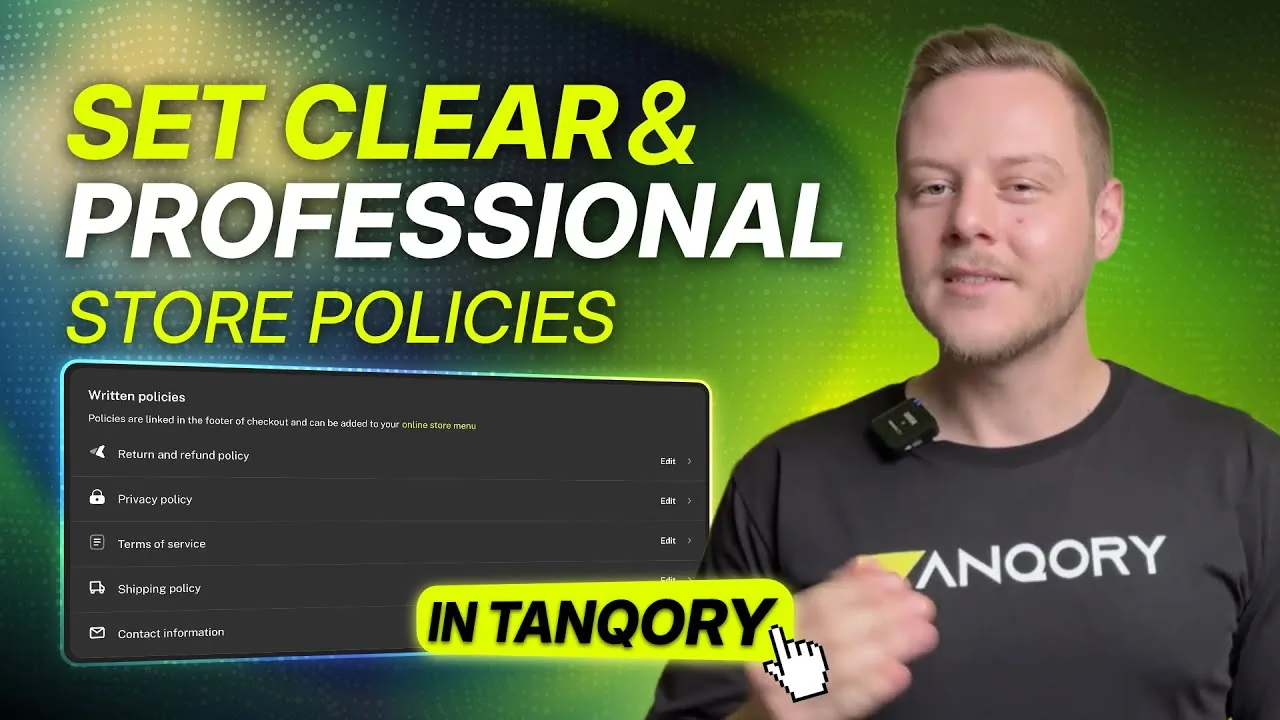
The player loads from YouTube (privacy-enhanced mode) only when you press play.
Watch on YouTube (opens YouTube in a new tab)What you will learn
About this lesson
Transparency starts with clear policies: customers can read your rules before they buy, not after something goes wrong.
Where it lives in the admin
- Settings
- Policies
In this lesson (4)
- Open Settings, then Policies
- Set your return rules: return window, return shipping cost, restocking fee and final sale items, then enable them
- Edit and save your five policy pages: returns and refunds, privacy, terms of service, shipping and contact info
- Show your policies where customers expect them: Tanqory publishes them in your footer and checkout
Or hand the job to Tanqory AI
Everything this lesson shows, you can also ask for in one sentence. The assistant built into your admin does the steps across products, orders, discounts, markets, settings and more, and waits for your confirmation before it changes anything. Your team spends the time on the business, not on the clicks.
- Acts in your admin only after you confirm
- Everyday AI work uses no AI credits
- Answers how-to questions from the Help Center
Write a 30-day return policy with free return shipping.
Here is what I will do in your admin:
- Open Settings, then Policies
- Set your return rules: return window, return shipping cost, restocking fee and final sale items, then enable them
- Edit and save your five policy pages: returns and refunds, privacy, terms of service, shipping and contact info
Nothing changes until you confirm.
Go deeper in the Help Center
Step-by-step articles on the same task, written by the Tanqory team.
- Return and Refund Policy
The Return and refund policy editor is where you write the policy that tells customers how returns and refunds work. You can start from a template, generate it, or write your own, from Settings, Policies.
- Return Rules
Return rules set how long a customer has to send something back and whether an order can still be cancelled. This covers the default rule that applies to every order, adding a rule for one market, and keeping those rules in step with the written policy customers read.
- Store Information Settings
The Settings General page, where you set your store's name and contact details, its defaults for currency, units, and timezone, your order number format, and how orders are processed.
- Privacy Policy
Your privacy policy is the page that tells customers how you handle their data. In Tanqory it can be generated and kept current automatically, or written by hand, and published from the Customer privacy page.
More in Store Settings
Store Settings has 3 lessons. Take them in order or jump to the one you need.
 Store Settings · Lesson 1 of 3Connect or Buy a Domain Easily with Tanqory
Open Settings, then Domains
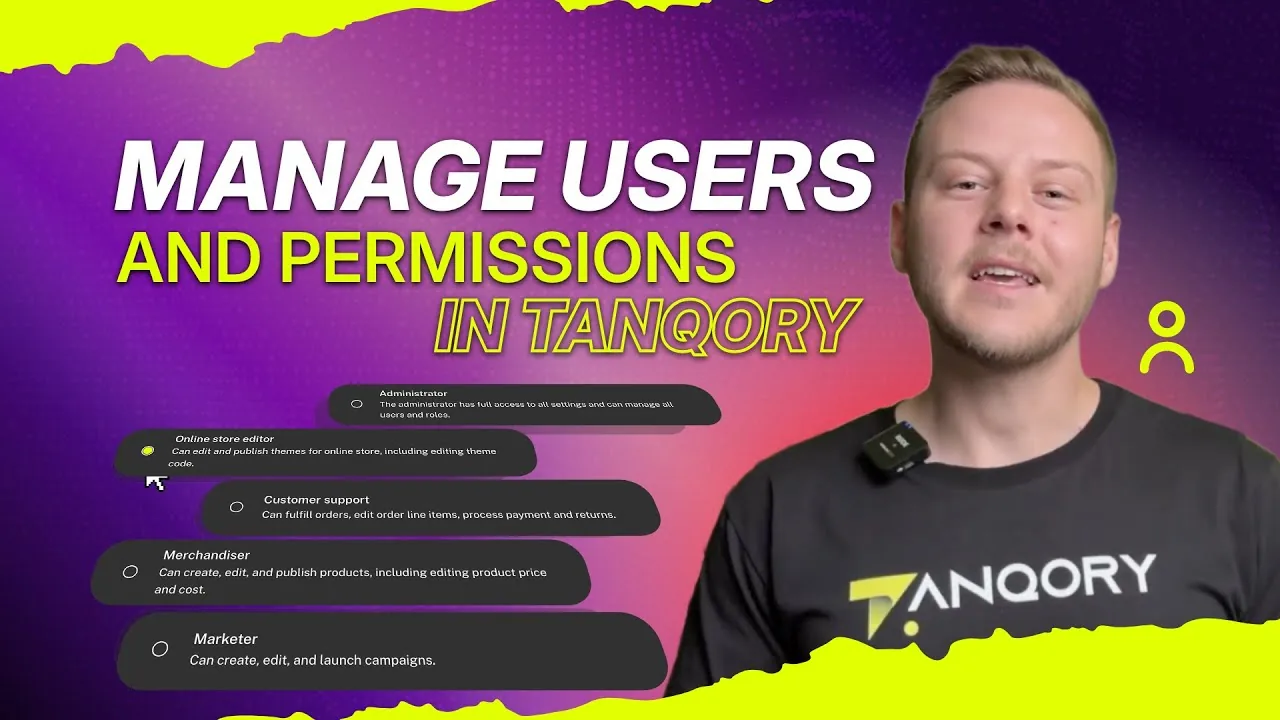 Store Settings · Lesson 3 of 3Manage Users and Permissions in Tanqory
Open Settings, then Users and Permissions, to see each teammate with their status and role
Next lesson · Store Settings
Manage Users and Permissions in Tanqory
Give every teammate the access their job needs and nothing more, so sensitive settings stay safe from accidental changes.