Learning pathPath 3 of 6
Payments, Shipping and Taxes
Four video lessons on getting paid and delivering worldwide: payment gateways, shipping and delivery, taxes and duties, and Markets for each region.
- 4 video lessonsWatch them here or on YouTube
- FreeEvery Tanqory Academy lesson
- No sign-inNothing to register
- In your adminSettings
The lessons, in order
Take them in order or start with the one you need. Each lesson page has the video with its steps written out beside it.
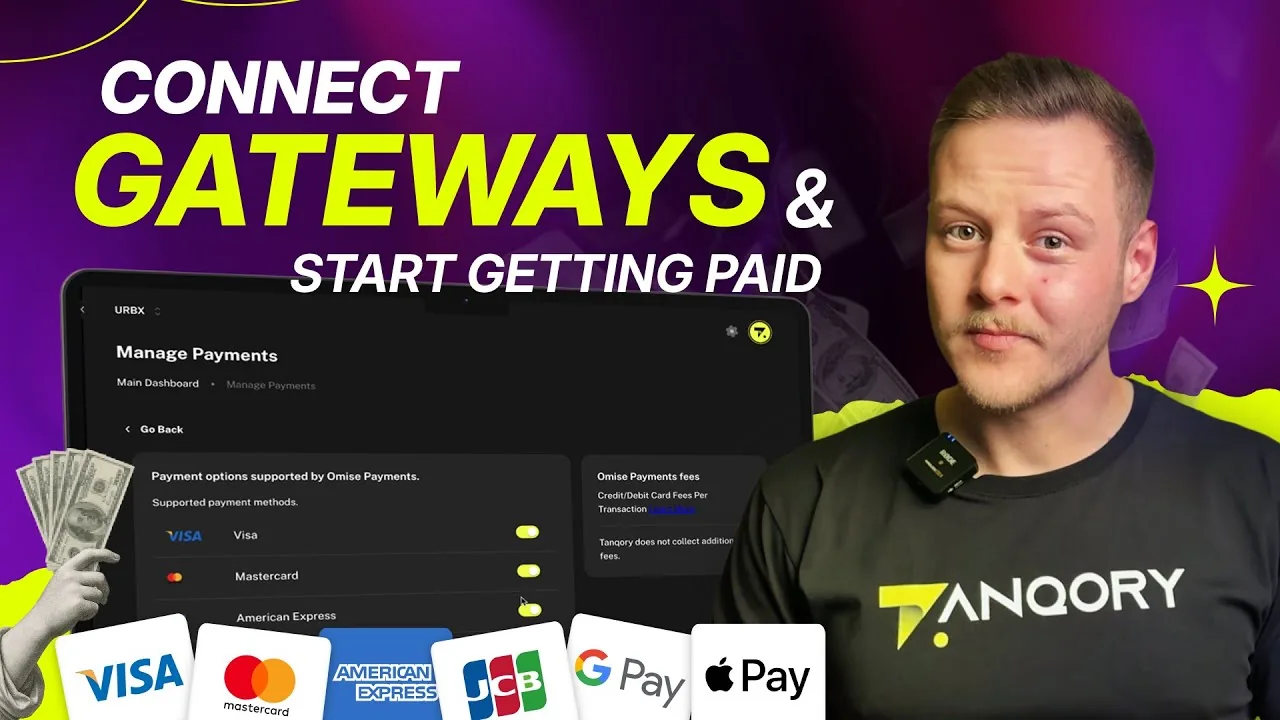 Lesson 1 of 4Connect Payment Gateways & Start Getting Paid Worldwide with Tanqory
Open Settings, then Payments
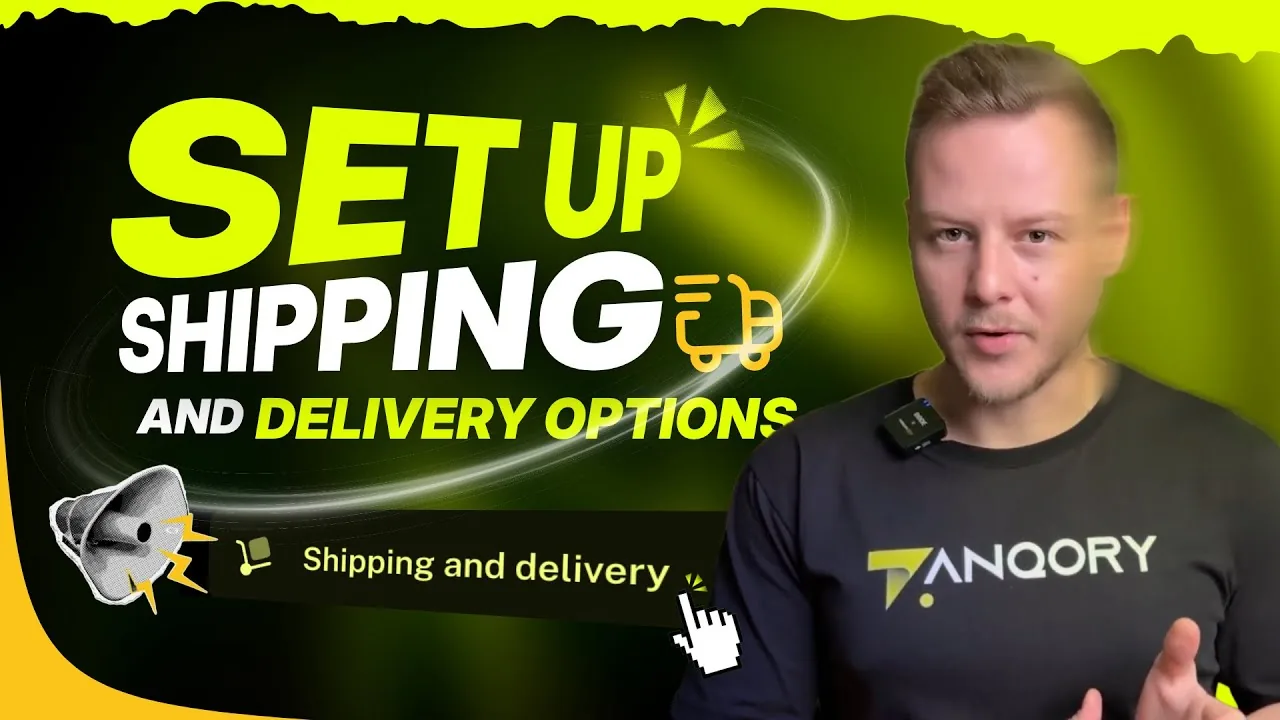 Lesson 2 of 4Set Up Shipping and Delivery Options with Tanqory
Open Settings, then Shipping and delivery
 Lesson 3 of 4Configure Taxes and Duties in Tanqory
Open Settings, then Taxes & Duties
 Lesson 4 of 4Expand Your Sales Globally with Markets
Open Settings, then Markets, and see your active and inactive markets
Or hand the job to Tanqory AI
Everything this lesson shows, you can also ask for in one sentence. The assistant built into your admin does the steps across products, orders, discounts, markets, settings and more, and waits for your confirmation before it changes anything. Your team spends the time on the business, not on the clicks.
- Acts in your admin only after you confirm
- Everyday AI work uses no AI credits
- Answers how-to questions from the Help Center
Is my payment gateway connected and ready to accept payments?
Here is what I will do in your admin:
- Open Settings, then Payments
- Check the connection status at the top of the page
- Review the available providers, such as Stripe, PayPal and manual payments for bank transfers or cash
Nothing changes until you confirm.
Go deeper in the Help Center
Step-by-step articles on the same tasks, written by the Tanqory team.
- Add a Payment Provider
Connect a new payment provider via Settings > Payments > Supported payment methods. Standard providers (Stripe, PayPal) connect via OAuth; manual methods configure inline.
- Create a Shipping Profile
A custom shipping profile lets you set different shipping rates and rules for specific products, instead of the general rates every other product uses. You give it a name for your own reference, add the products it covers, choose the fulfillment locations, and add shipping zones and rates. Products you do not add to a custom profile keep using the General shipping profile.
- Taxes and Duties
Configure how Tanqory calculates sales tax / VAT / GST + cross-border duties + import taxes. Critical for compliance + customer trust.
- Store Information Settings
The Settings General page, where you set your store's name and contact details, its defaults for currency, units, and timezone, your order number format, and how orders are processed.
Next path · 3 lessons
Orders and Fulfillment
Three video lessons on running orders: take an order from start to finish, create draft orders for customers, and set the locations that fulfill them.