Tanqory AcademyTopic 6 of 7
Marketing
One video lesson on discounts: create a percentage or fixed amount discount, set when it starts and ends, and switch it live when you are ready.
- 1 video lessonWatch them here or on YouTube
- Learning path
- FreeEvery Tanqory Academy lesson
- No sign-inNothing to register
The lesson on this topic
Each lesson page has the video with its steps written out beside it. Pick another topic, or search every lesson.
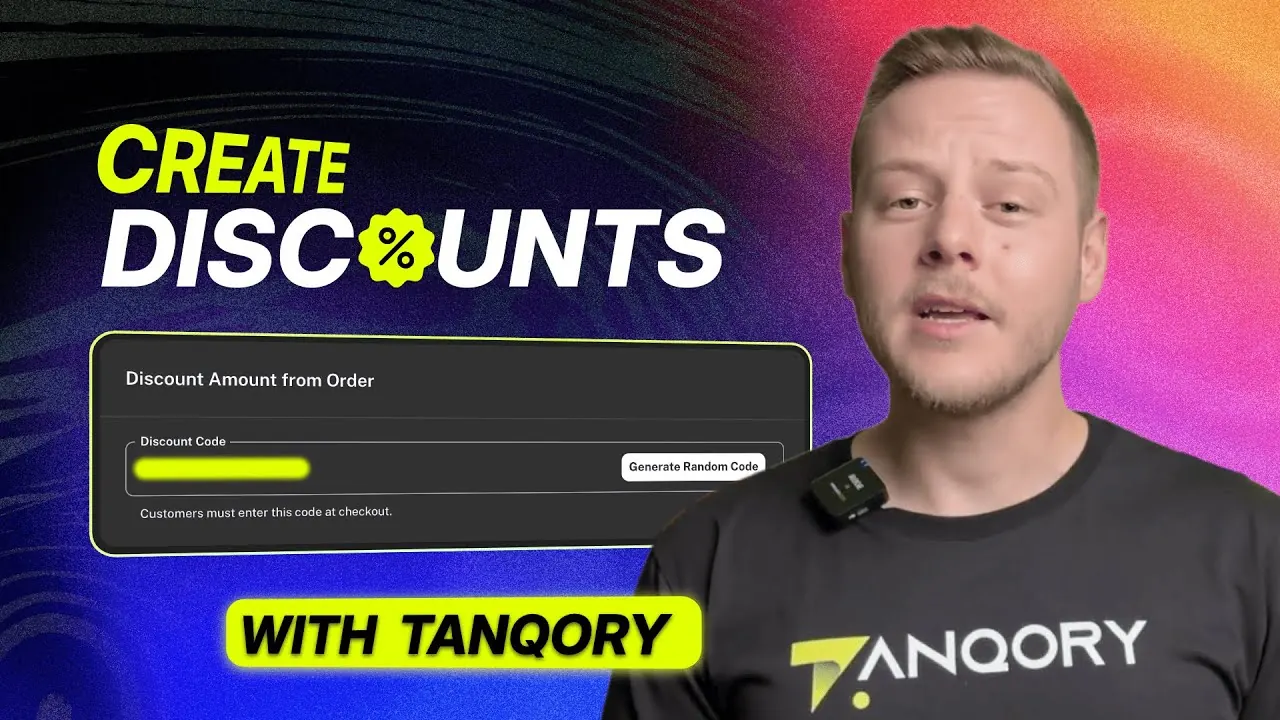 Marketing and Content · Lesson 1 of 3Create Discounts with Tanqory
Launch a percentage or fixed amount discount on your own schedule, and switch it on only when you are ready.
Free · 6 steps
Or hand the job to Tanqory AI
Everything this lesson shows, you can also ask for in one sentence. The assistant built into your admin does the steps across products, orders, discounts, markets, settings and more, and waits for your confirmation before it changes anything. Your team spends the time on the business, not on the clicks.
- Acts in your admin only after you confirm
- Everyday AI work uses no AI credits
- Answers how-to questions from the Help Center
Create a 20% discount for the weekend, starting Friday at 9:00.
Here is what I will do in your admin:
- Open Discounts from the left hand menu
- Click Add new discount
- Choose the value type: a percentage or a fixed amount
Nothing changes until you confirm.
Learn it in order · Path 6 of 6 · 3 lessons
Marketing and Content
Three video lessons on promoting and publishing: launch a discount, keep your images and brand files in one place, and write a blog post.